
 MetaTrader 5 integration
MetaTrader 5 Trading Journal
The report comes from the terminal, not from your broker. That makes every MT5 account analysable, whoever you trade with.
- Free for your first 25 trades
- No credit card required
- No access to your trading account, you upload the file yourself
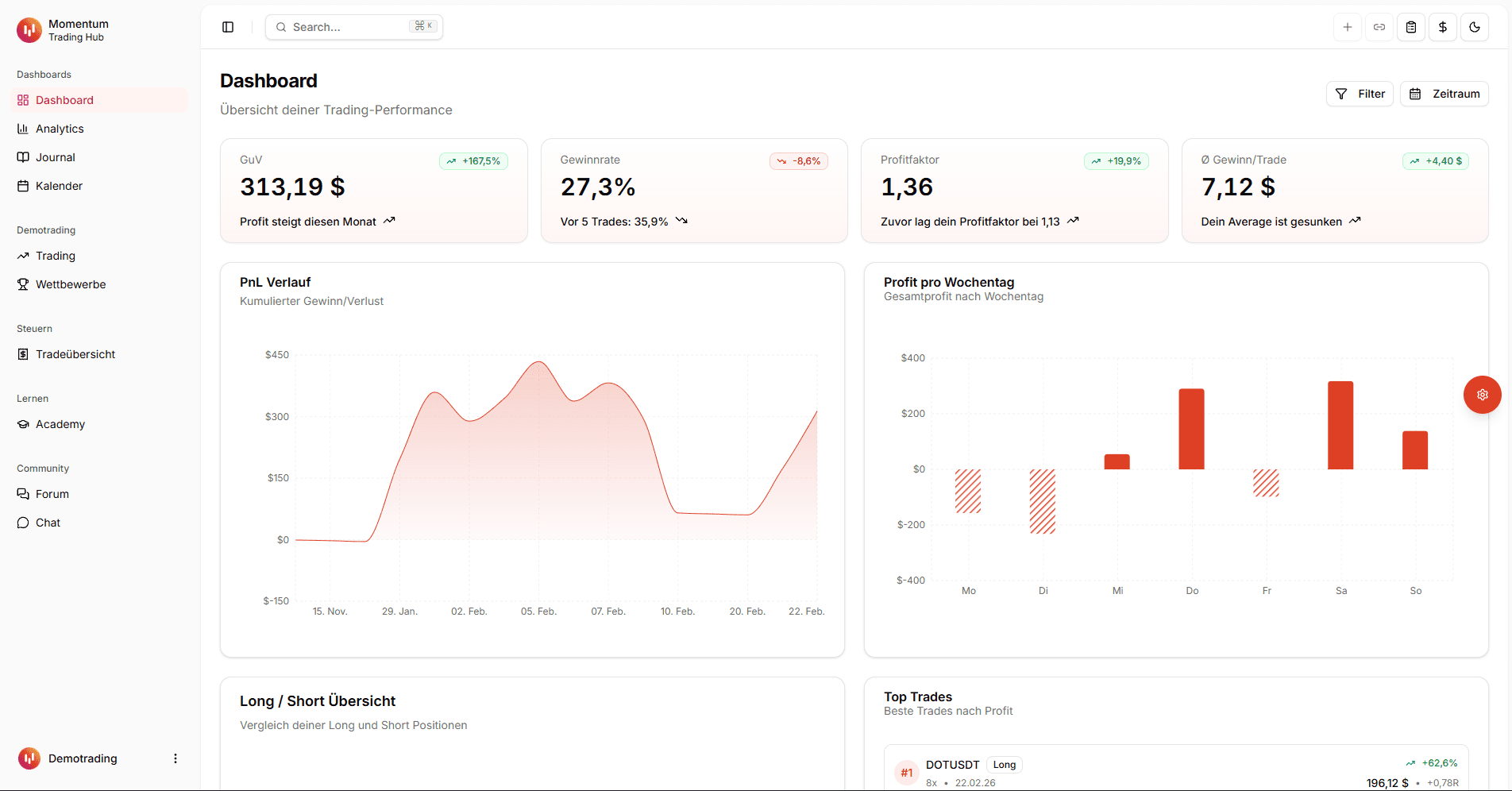
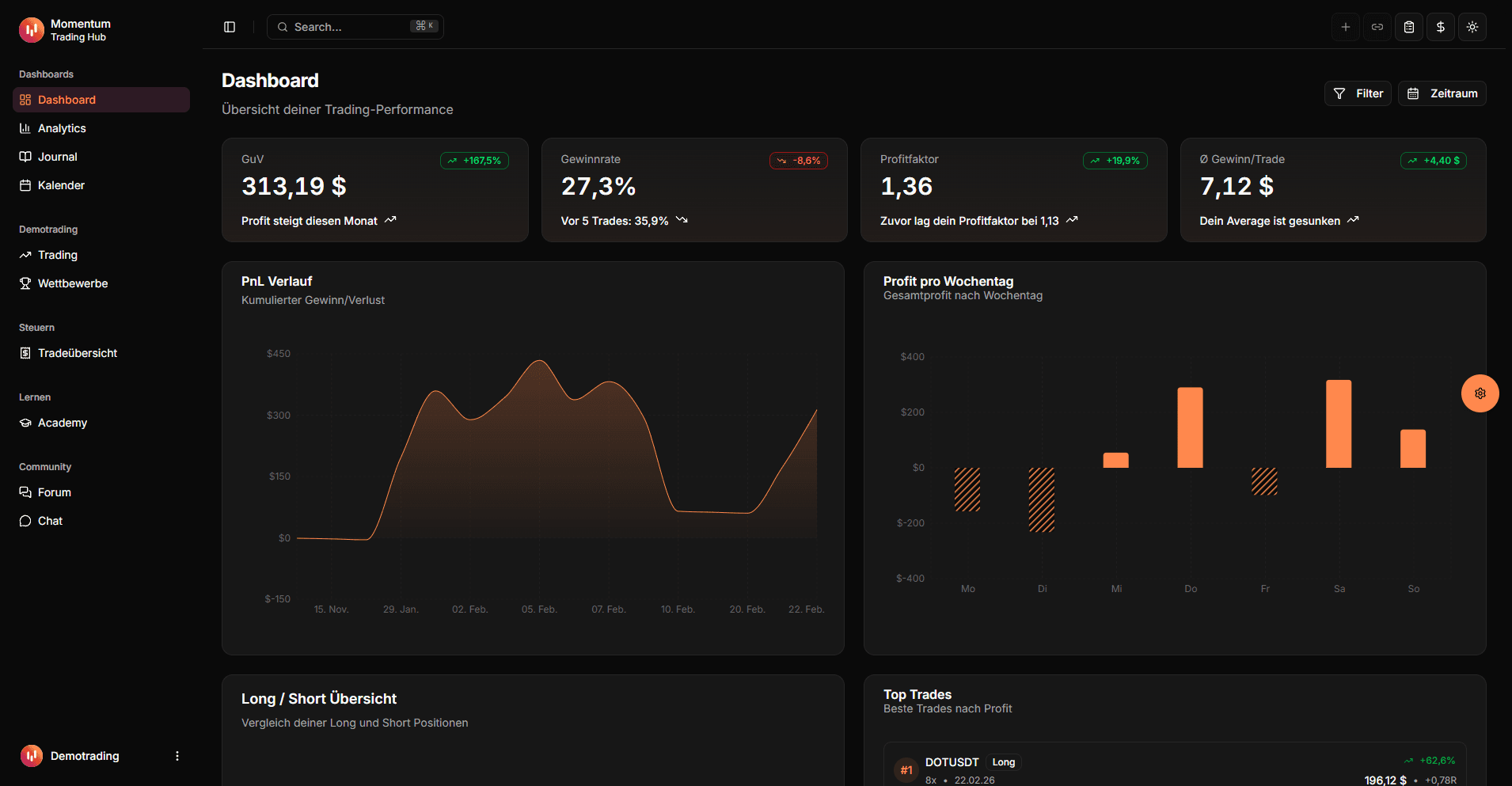
Can you import your MetaTrader 5 trades?
Yes, through the account history report you generate inside the MT5 terminal. The report is an XLSX file, and its "Positions" section lists every closed position as one row with the result already calculated.
What matters is where the file comes from: the terminal produces it, not your broker. It therefore looks identical at every provider, and the import works with any MT5 account regardless of whether that broker appears anywhere else on this site.
Broker independent
One format for every MT5 account, whichever provider you trade with.
No credentials
The report is created locally in the terminal. No API key, no account access.
Multiple accounts
Demo, live and prop firm accounts analysed side by side.
How to get the report
There is exactly one route and it takes about three minutes. No API exists for MetaTrader, because the report is a terminal feature rather than part of a broker interface.
Save the account history report as XML
The report is generated from the History tab in the terminal. Pay attention to the period: by default MT5 shows only a slice of your history rather than all of it. For your first import, deliberately pick a range that covers every closed position.
- 1
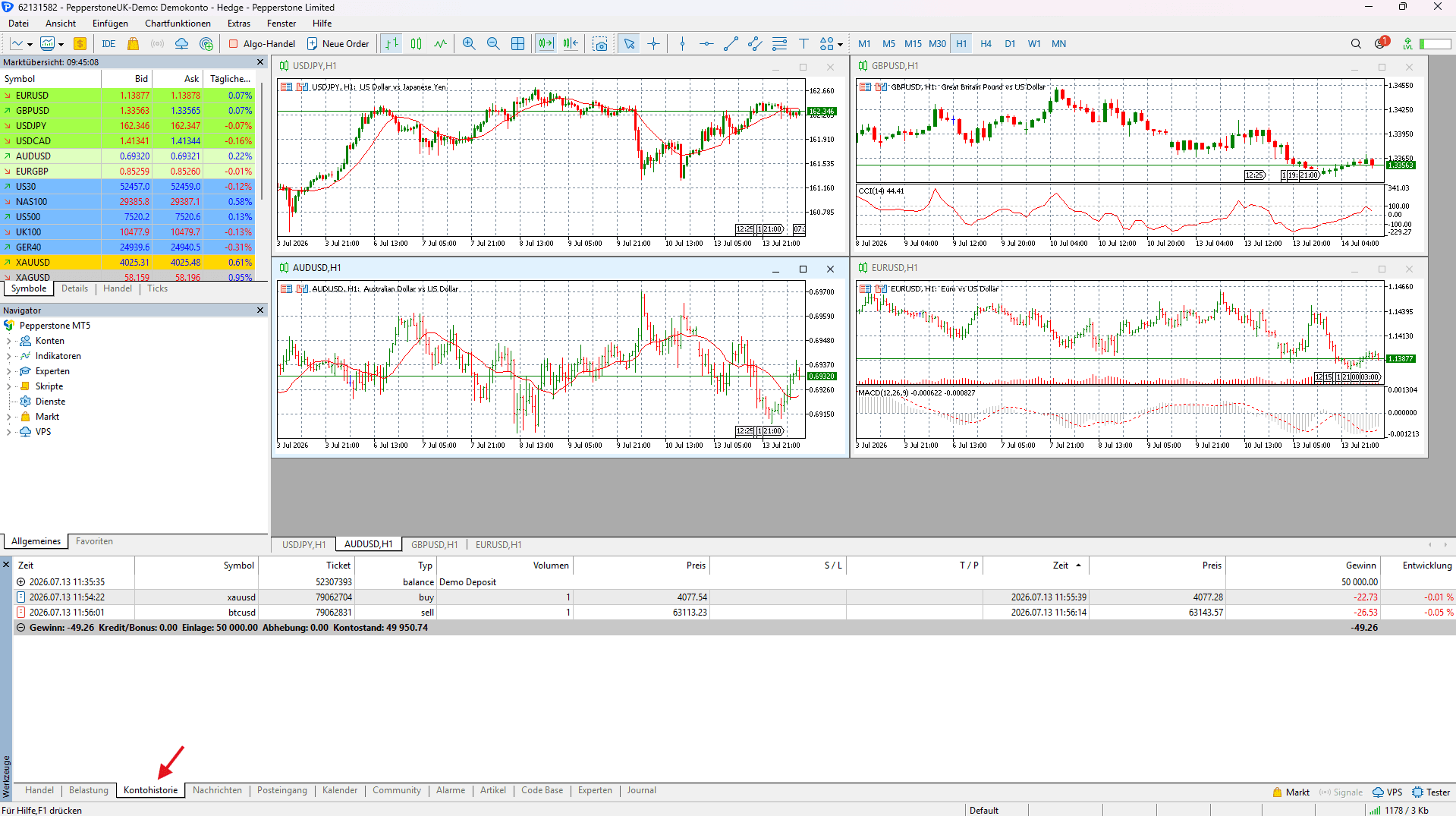
History-Tab im MT5-Terminal öffnen
Öffne im MetaTrader-5-Terminal unten den Bereich "Toolbox/Werkzeuge" und wähle den Reiter "History" (Kontohistorie).
- 2
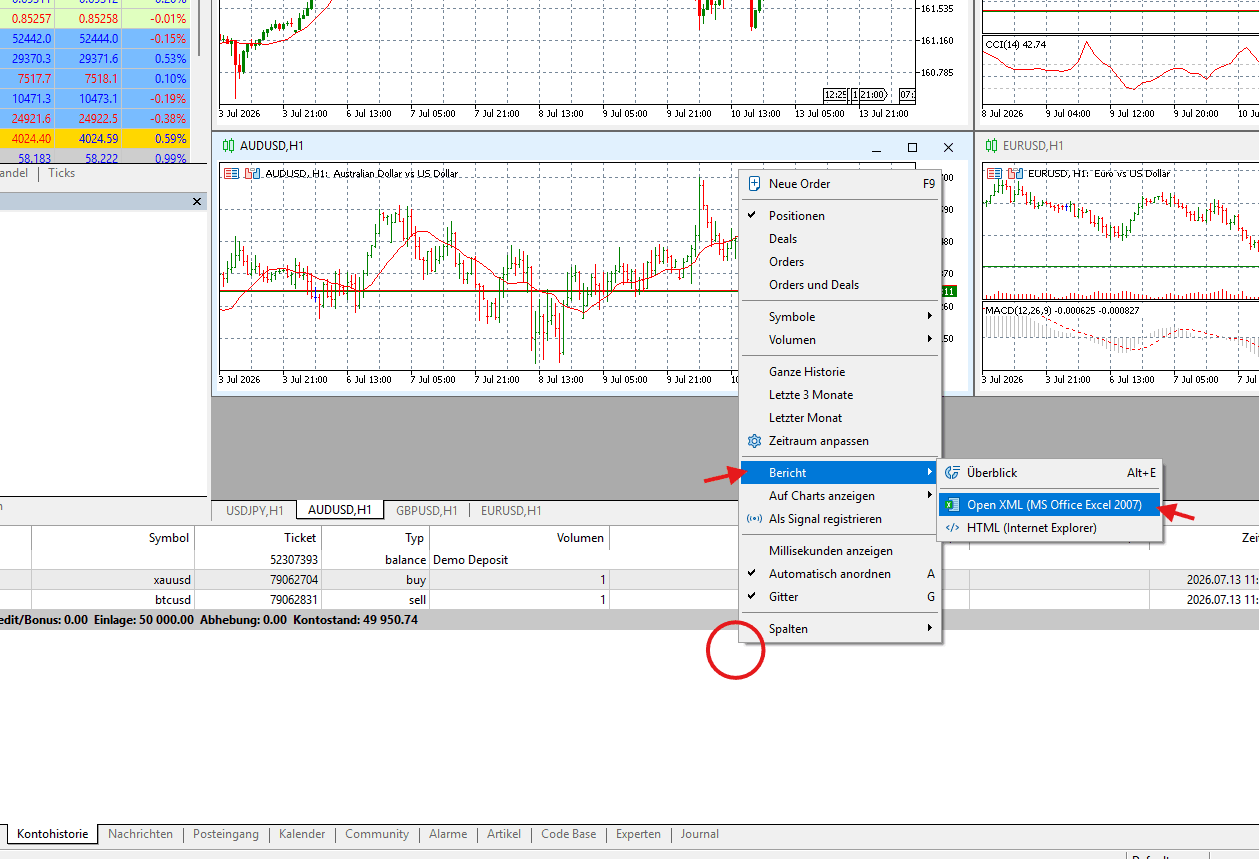
Zeitraum wählen & Report erstellen
Wähle per Rechtsklick den gewünschten Zeitraum ("Custom Period"), sodass alle geschlossenen Positionen enthalten sind, klicke dann rechts erneut und wähle "Report" → "Open XML".
What gets imported from the report
Only the "Positions" section is used. The "Orders" and "Deals" sections below it describe the same trades at a finer granularity and would only produce duplicates.
| Report column | Journal field | Note |
|---|---|---|
| Position | External ID | Position ID, unique per account and the basis for duplicate detection |
| Symbol | Symbol | |
| Type | Direction | buy or sell, MT5 states the direction directly |
| Time (open) and Time (close) | Open and close time | Format YYYY.MM.DD with dots, broker server time |
| Price (open) and Price (close) | Entry and exit | |
| Profit | Result (net) | Commission and swap are already included |
| Commission, Swap | Fees | Informational only, already deducted in the result |
What to watch out for in the MT5 report
The report is convenient, but four quirks regularly produce wrong numbers in home grown analyses.
The header row contains "Time" and "Price" twice
The Positions section has one column for the open and one for the close, and both carry the same name. Reading the file by column name silently overwrites the first with the second, so you end up treating the closing price as your entry. The importer therefore reads by position in the row rather than by header text.
The profit column is already net
MT5 folds commission and swap into the profit it reports and shows them separately as well. You can verify this in the report itself: the sum of the positions matches the "Total Net Profit" figure in the results section exactly. Deducting the fees again double counts them.
Timestamps are server time, not your local time
MetaTrader shows the trade server clock by default, which typically sits one to three hours away from your local time depending on the broker and the season. The report does not state its timezone, so the value is taken unchanged rather than converted on a guess. Keep the offset in mind for time of day analysis.
Only German and English reports are recognised
The section is located by its title, and the accepted spellings are "Positions" and "Positionen". If your terminal runs in another language, the importer will not find the section. This is a known limitation: switch the terminal to English briefly and generate the report again.
What the report alone does not show
The results section of an MT5 report gives you totals: overall profit, number of trades, largest win, largest loss. That describes what happened without explaining why. Answering the why needs metrics that group your trades rather than sum them.
Three cuts do most of the work. By symbol, because many accounts owe their entire result to a handful of instruments while the rest quietly produces costs. By weekday and time of day, because spreads and volatility differ sharply across a session. And by direction, since long and short setups rarely perform equally well.
On top of that sit profit factor and R multiple, which relate your result to the risk you took. An account with a high win rate and a poor profit factor is earning many small wins and giving them back in a few large losses, something a column of totals will never reveal.
Trading journal: What a trading journal does, which metrics matter and how it differs from a spreadsheet template.
Journal or the report results section
The report is a snapshot of the period you selected. What it cannot do is merge periods and accounts.
| Criteria | With a trading journal | With the report only |
|---|---|---|
| Multiple periods | Merge into one continuous history | Every export stands alone |
| Multiple accounts | Analysed together | One file per account |
| Analysis by symbol or time | Built in | Build the pivot table yourself |
| Repeated exports | Duplicates caught via the position ID | Overlaps removed by hand |
| Trade notes | Setup, mistakes and screenshots on the trade | Not supported |


Common questions about importing MT5 trades
Supercharge yourtrading performance
Start from zero with Momentum. Use our tools to improve your trading performance.